Wedding Seating Chart Maker

Create a wedding seating chart with your actual guests and tables. Choose a reception layout, keep important groups together, and adjust the plan as replies and arrangements change.

Wedding Seating Chart Maker: From a headcount to a usable layout

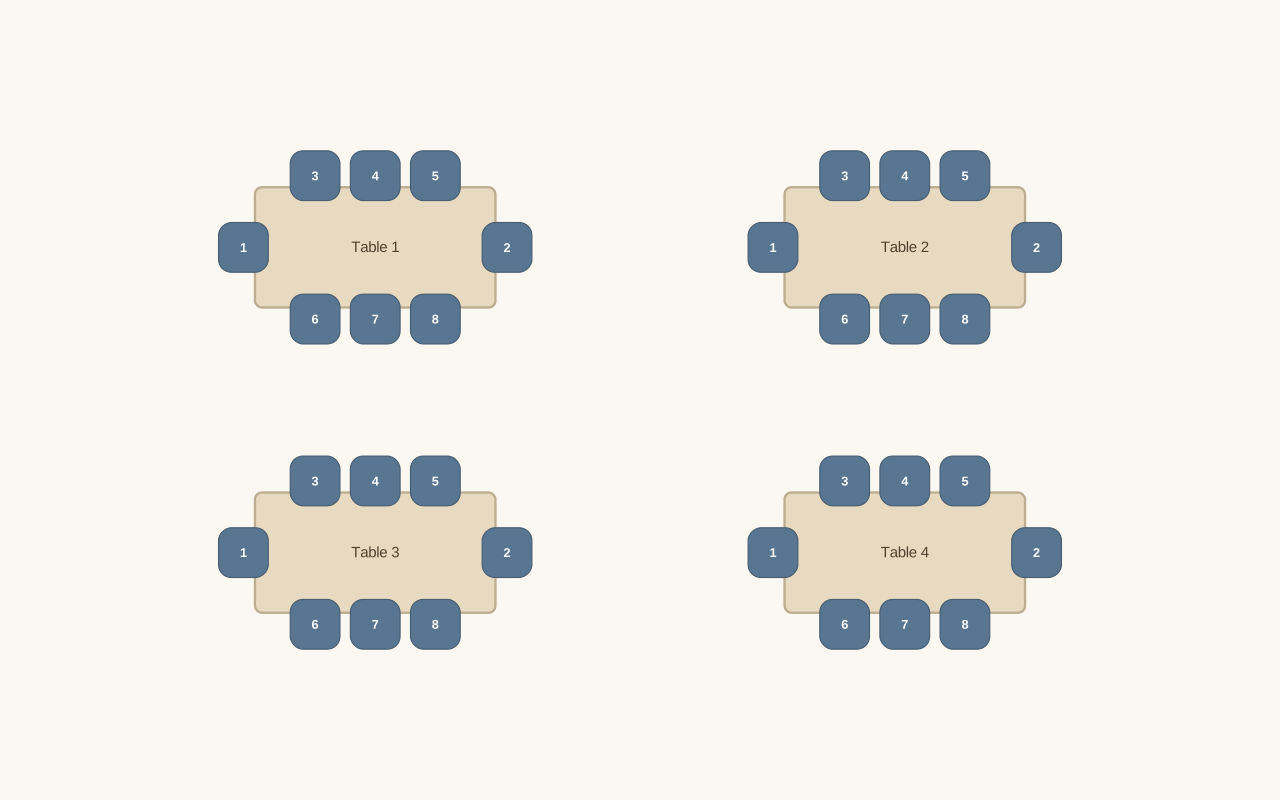
See how the Wedding Seating Chart Maker turns the displayed setup into its matching layout. Compare the requested people count and furniture with the available seats before adding names or making changes.

Your starting setup

People
32
Furniture
Long tables
Seats per table or desk
8
Columns
2

Compare the layout

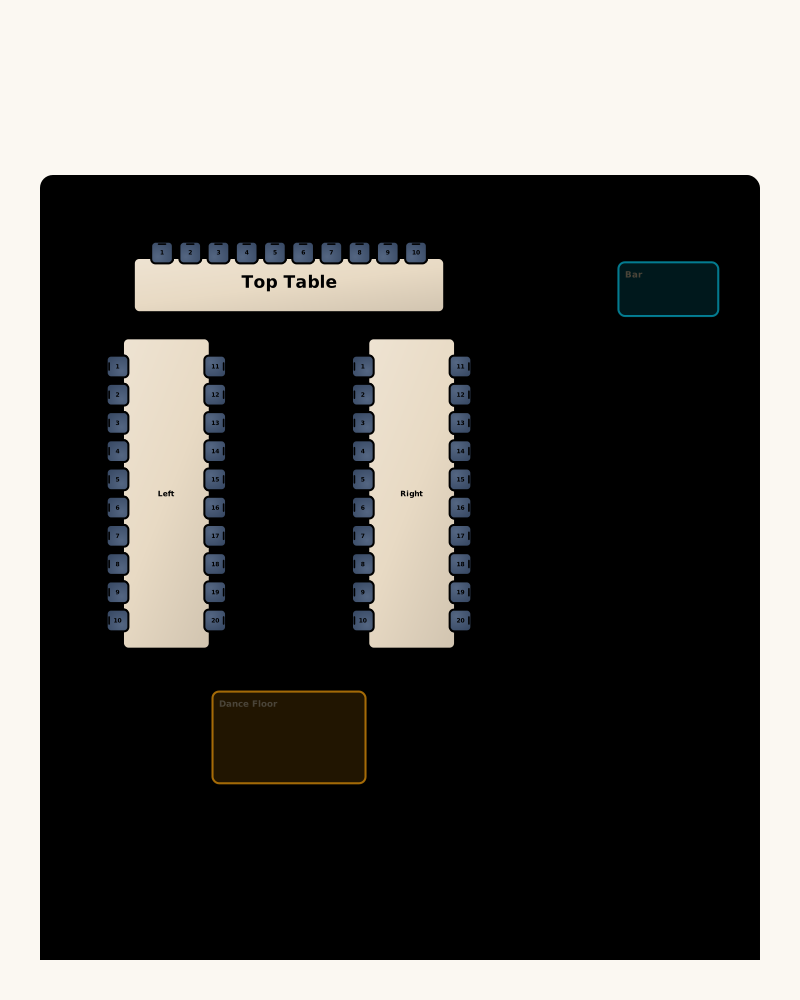
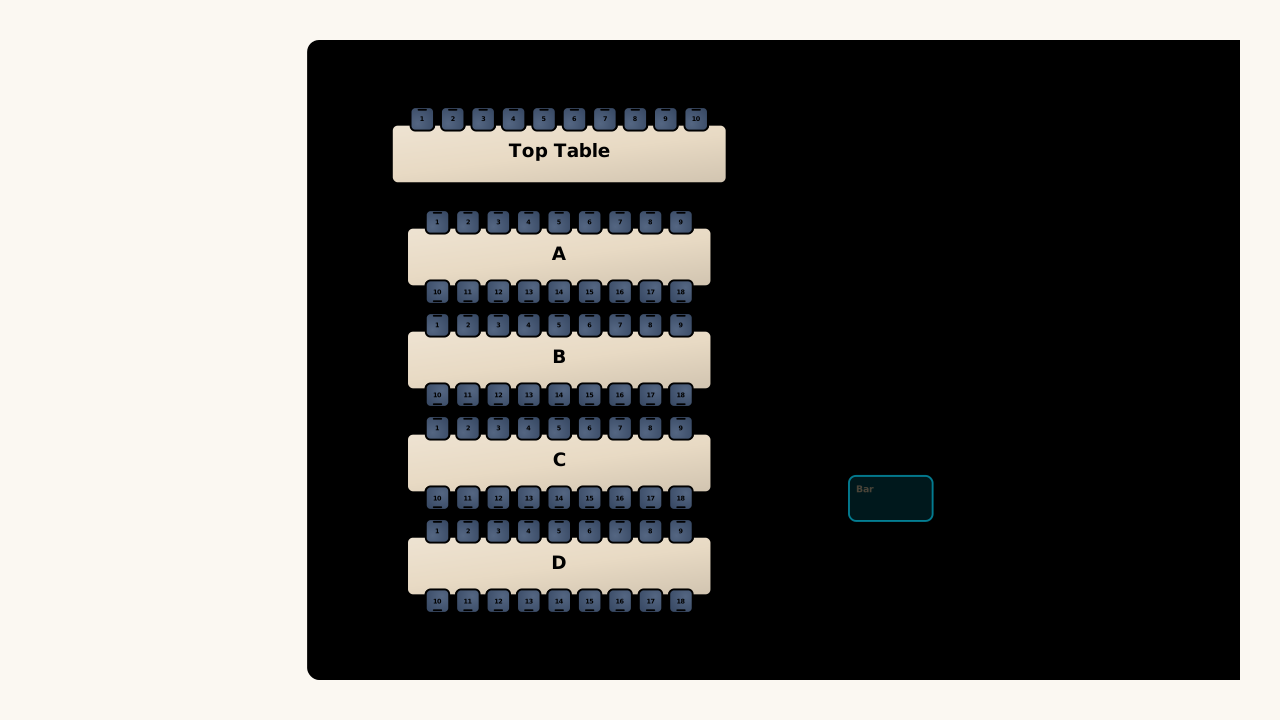
Example layout generated from the displayed settings. Guest names are added separately after you review the available seats.
The resulting layout: 4 tables or desks · 32 available seatsExample layout generated from the displayed settings. Guest names are added separately after you review the available seats.

Plan the room, then the people

Open wedding seating chart maker

Choose a reception layout

Generate round, long, or U-shaped tables using your guest count. Set the seats per table, then move and rename furniture to match your reception.

Arrange your guest list

Import or enter names and groups. Assign seats yourself, or use together and apart rules to build a first arrangement you can review.

Make the final checks

Look for unseated guests, check table names, and review notes. Export the room chart and guest list when the reception arrangement is ready.

Work with the wedding seating chart maker

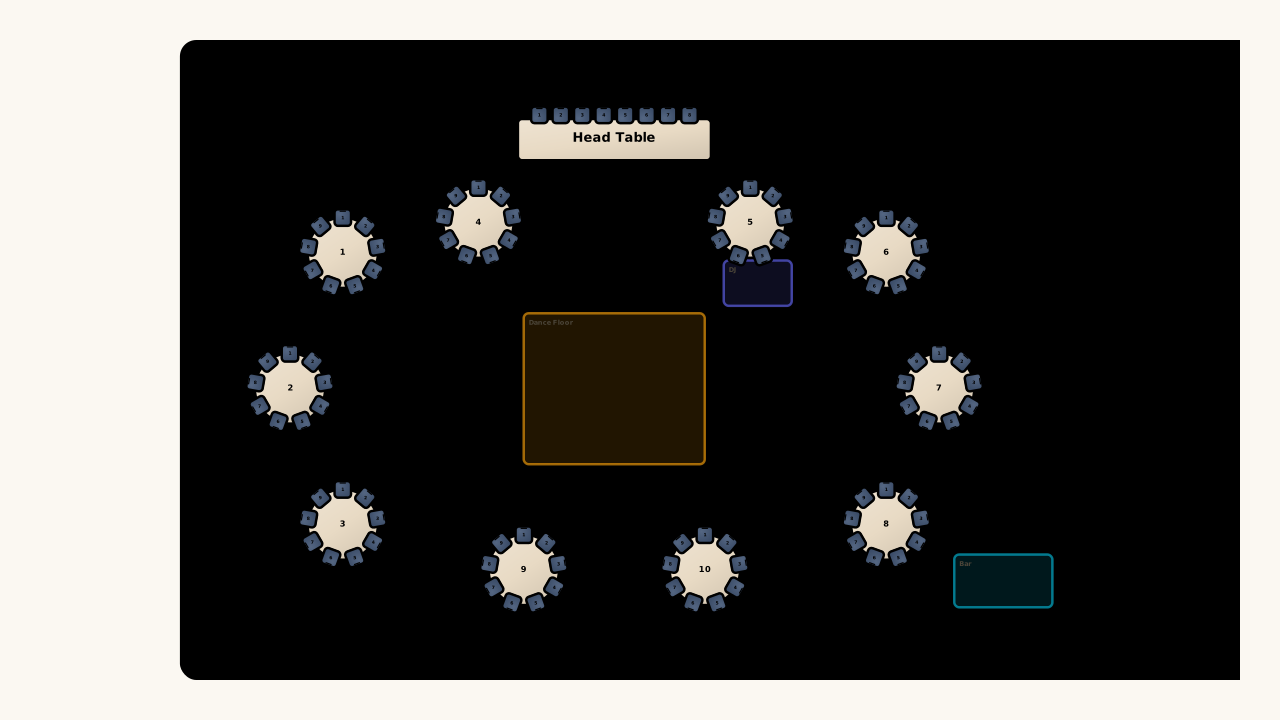
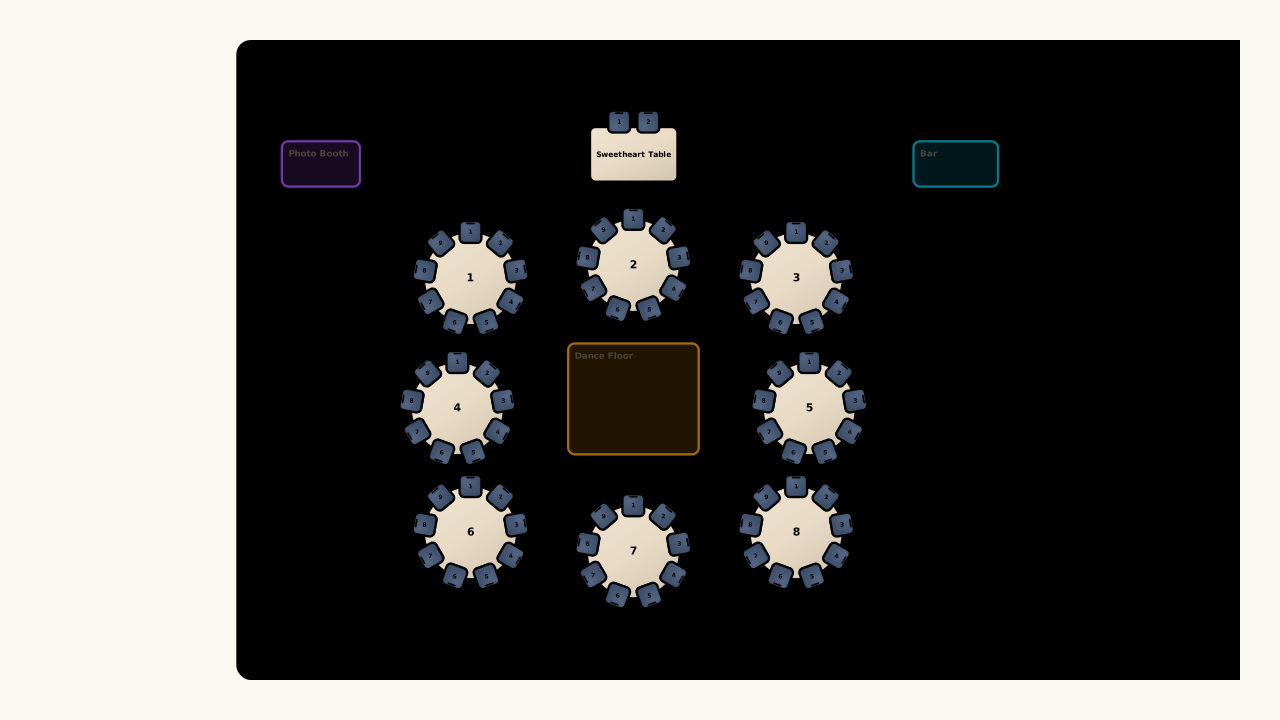
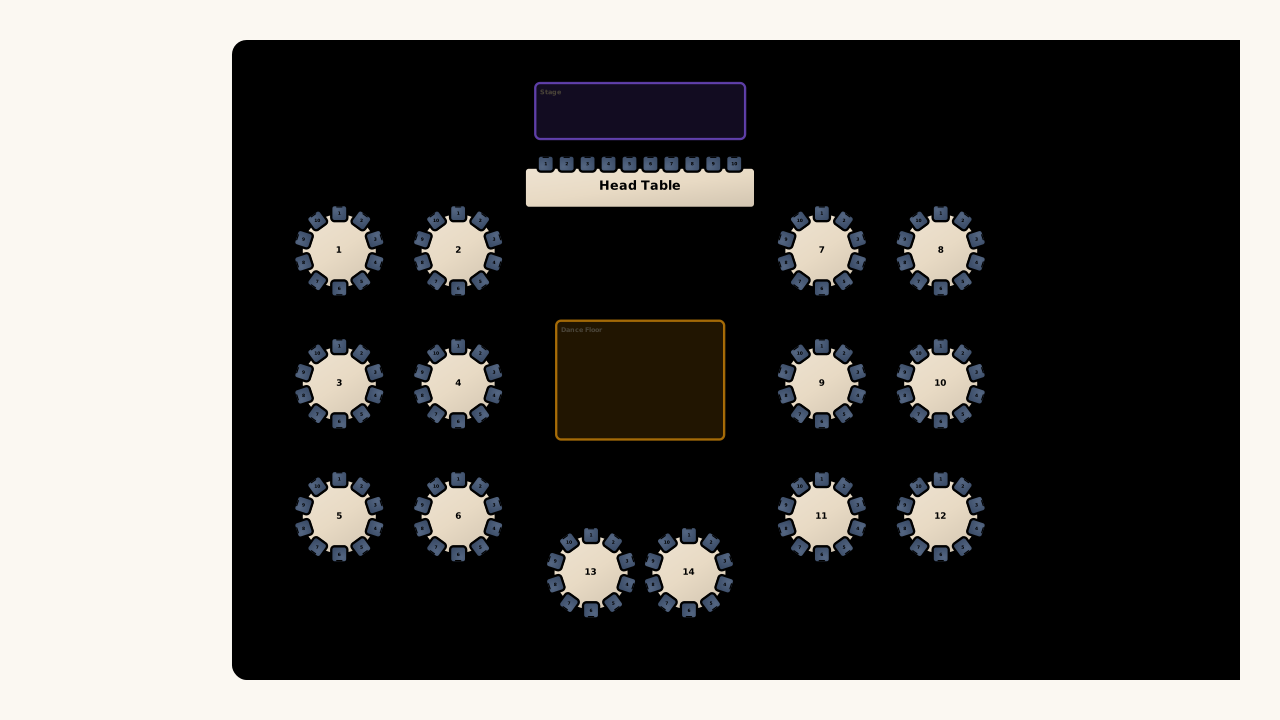
Illustrative intimate wedding reception with round tables and a sweetheart table

Compare round, long, and U-shaped layouts

Start your wedding seating plan with the table arrangement you are considering, then edit it on the canvas. Changing table shapes gives you a practical way to explore how guest groups might fit before finalizing assignments.

Open wedding seating chart maker
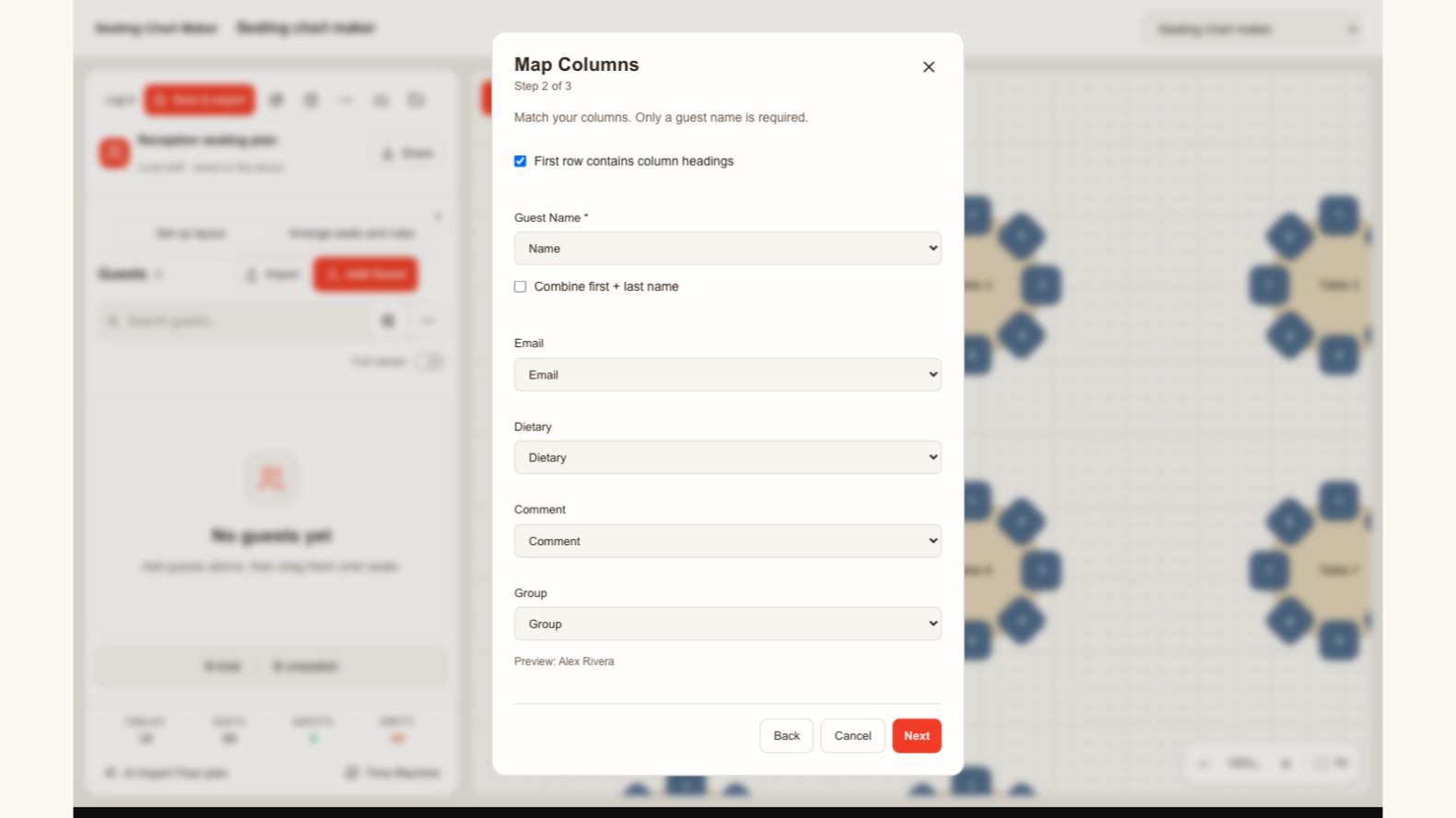
Actual guest import dialog mapping name, email, dietary information, notes and groups

Match your list to the right fields

Bring your guest list into the wedding seating chart maker from a spreadsheet. Review the name, group, dietary, and note columns before importing, so each person keeps the details you need when assigning seats and checking the final plan.

Open wedding seating chart maker
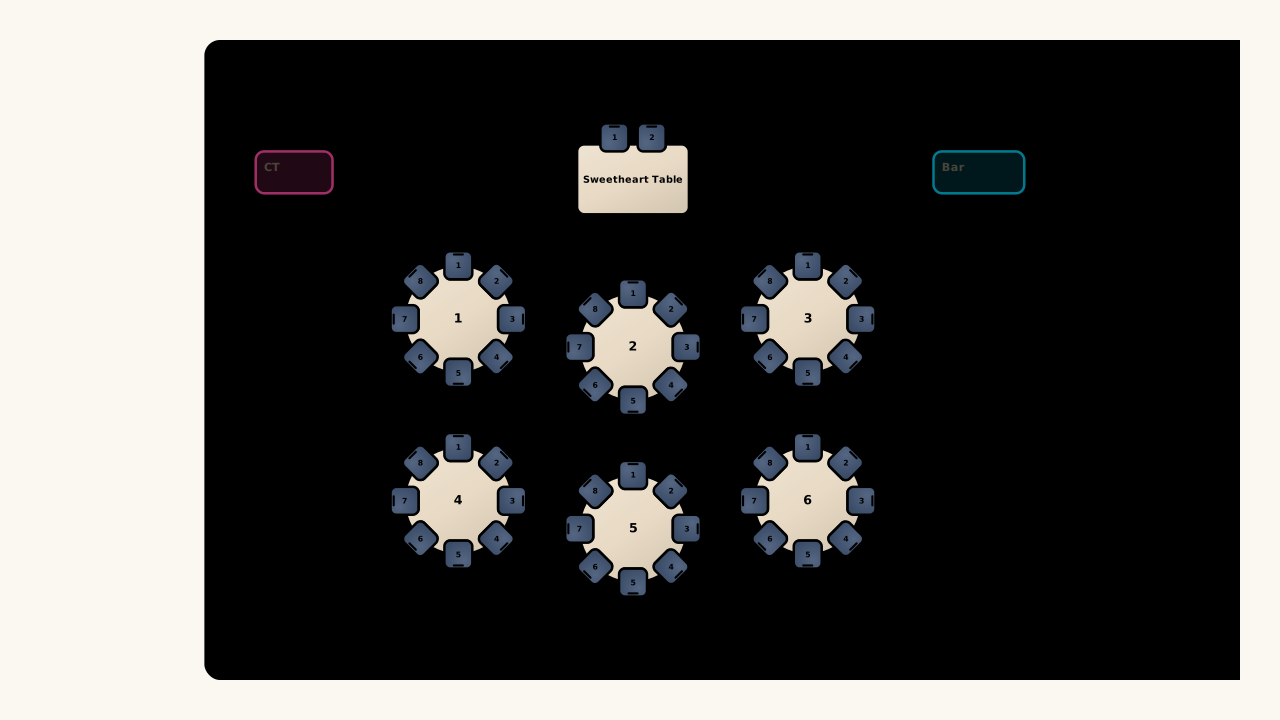
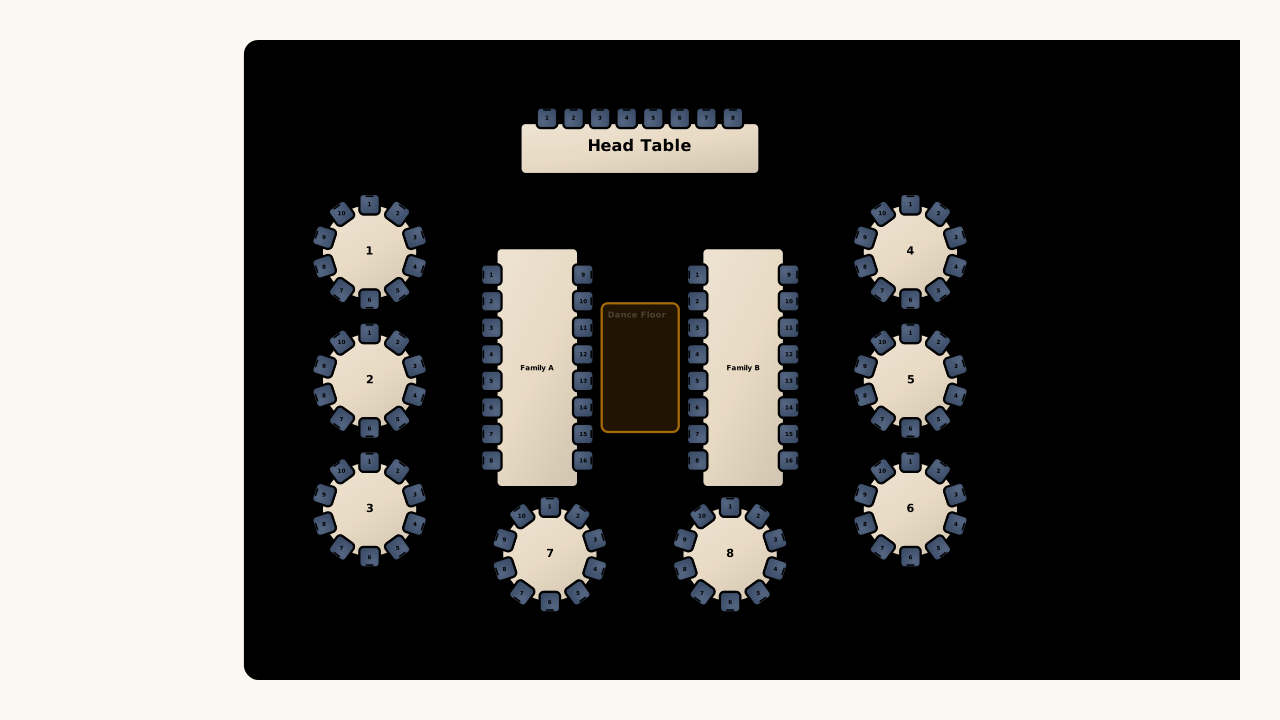
Illustrative wedding seating arrangement mixing round tables and long family tables

Respect the relationships you specify

Keep chosen guests together or apart during automatic arrangement. Preserve seats you have already decided on, and let the wedding seating chart maker fill the remaining places when your rules and available tables can accommodate everyone.

Open wedding seating chart maker

Fewer loose ends before the reception

Use the wedding seating chart maker to work through table decisions, family groups, late replies, and export checks in one editable plan.

Keep families visible

Name groups in the guest list and use them while arranging tables, helping you review who is seated together at a glance.

Handle a late reply

Place a newly confirmed guest into the current plan, then review that table instead of rebuilding the reception from the beginning.

Illustrative U-shaped reception layout with a top table, bar and dance floor

Try a different arrangement

Use an editable layout and undo while exploring table placement, giving you room to compare options before keeping a version.

Bring a useful venue copy

Prepare a room chart for your coordinator and a separate guest list for assignment details, with the format chosen for each task.

Wedding Seating Chart Maker questions

Seating Chart Maker logo

Open your wedding seating chart maker

Start with your guest count, choose the tables, and build an editable reception chart for the people who will be there.

Open wedding seating chart maker