Seating Chart Maker

Build a seating chart that connects your room layout with your guest list. Place tables, assign names, adjust groups, and export the plan you need for your next event.

Seating Chart Maker: From a headcount to a usable layout

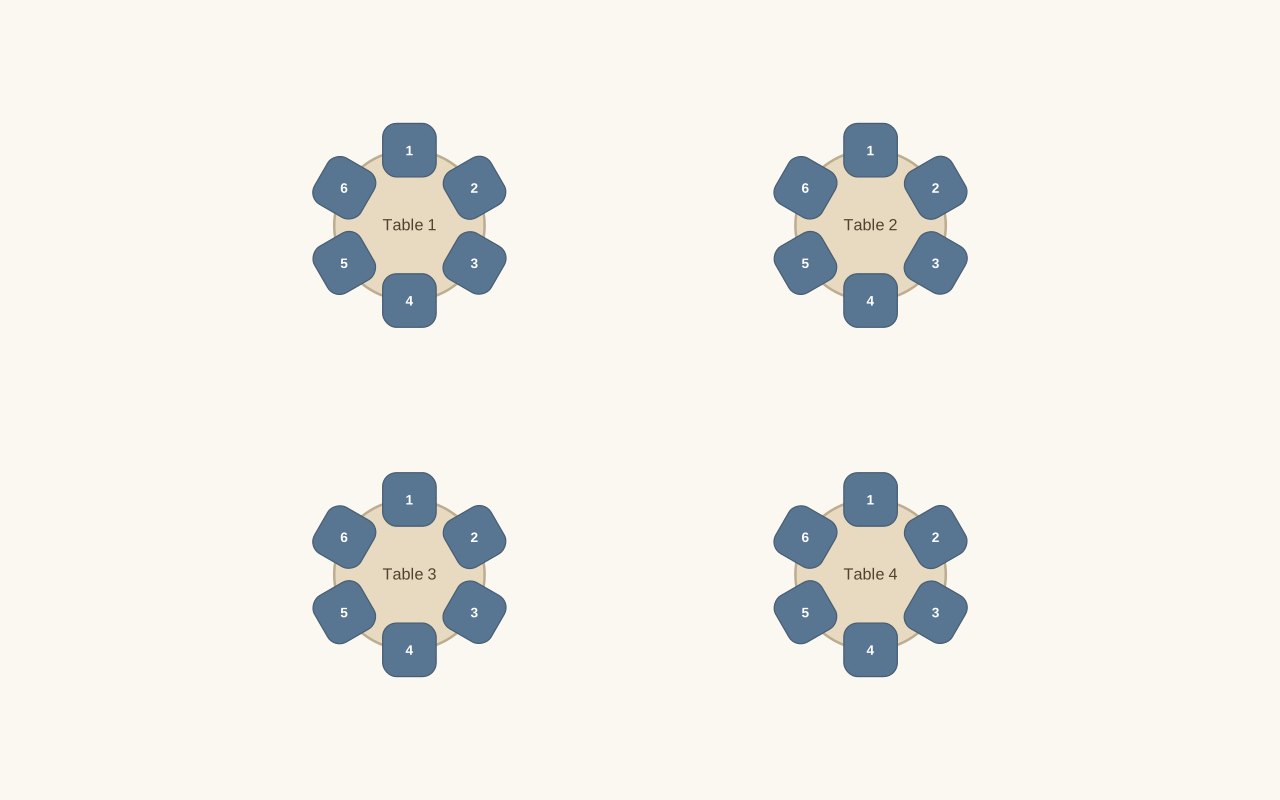
See how the Seating Chart Maker turns the displayed setup into its matching layout. Compare the requested people count and furniture with the available seats before adding names or making changes.

Your starting setup

People
24
Furniture
Round tables
Seats per table or desk
6
Columns
2

Compare the layout

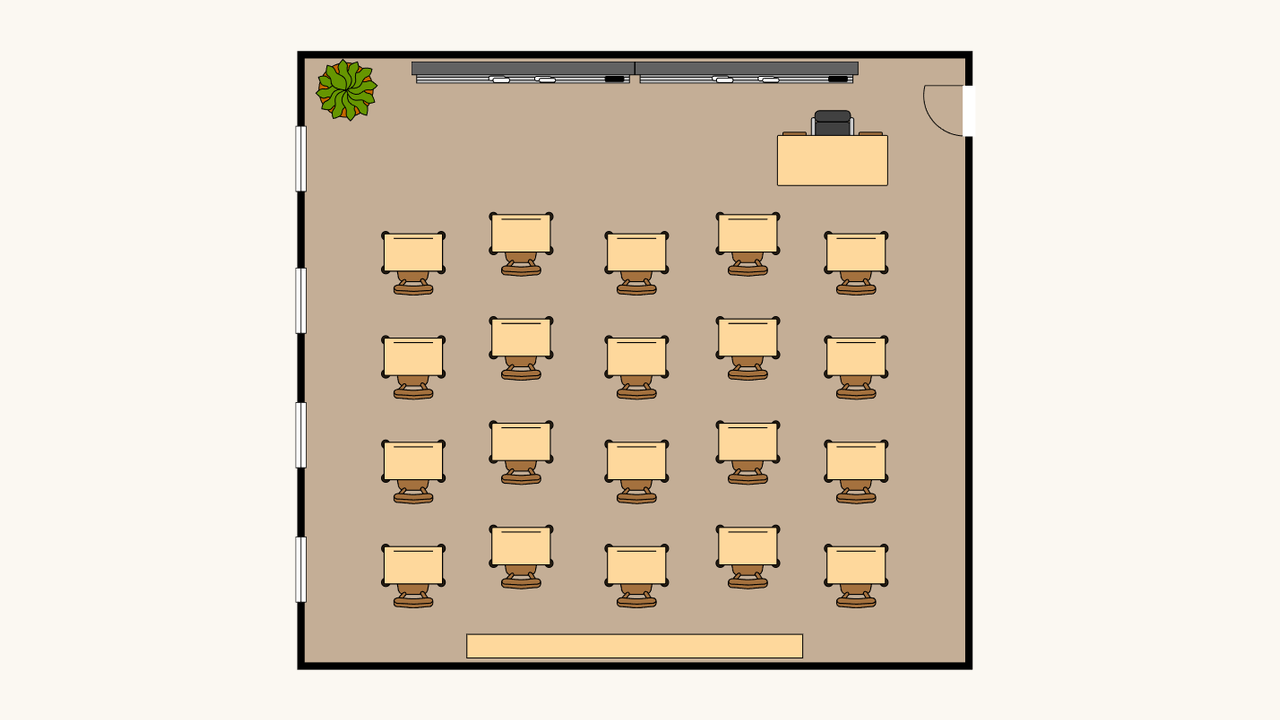
Example layout generated from the displayed settings. Guest names are added separately after you review the available seats.
The resulting layout: 4 tables or desks · 24 available seatsExample layout generated from the displayed settings. Guest names are added separately after you review the available seats.

From names to a usable plan

Open seating chart maker

Build your layout

Open the editor and add tables, or generate a starting layout. Choose the people count and seats per table, then adjust the arrangement.

Bring in your guests

Paste a list or import a spreadsheet, check the name columns, and add groups or notes. Assign people manually or arrange them using seating rules.

Review and export

Check unseated guests and table assignments before finishing. Download an editable backup, export the guest list, or prepare the seating chart for print.

Work with the seating chart maker

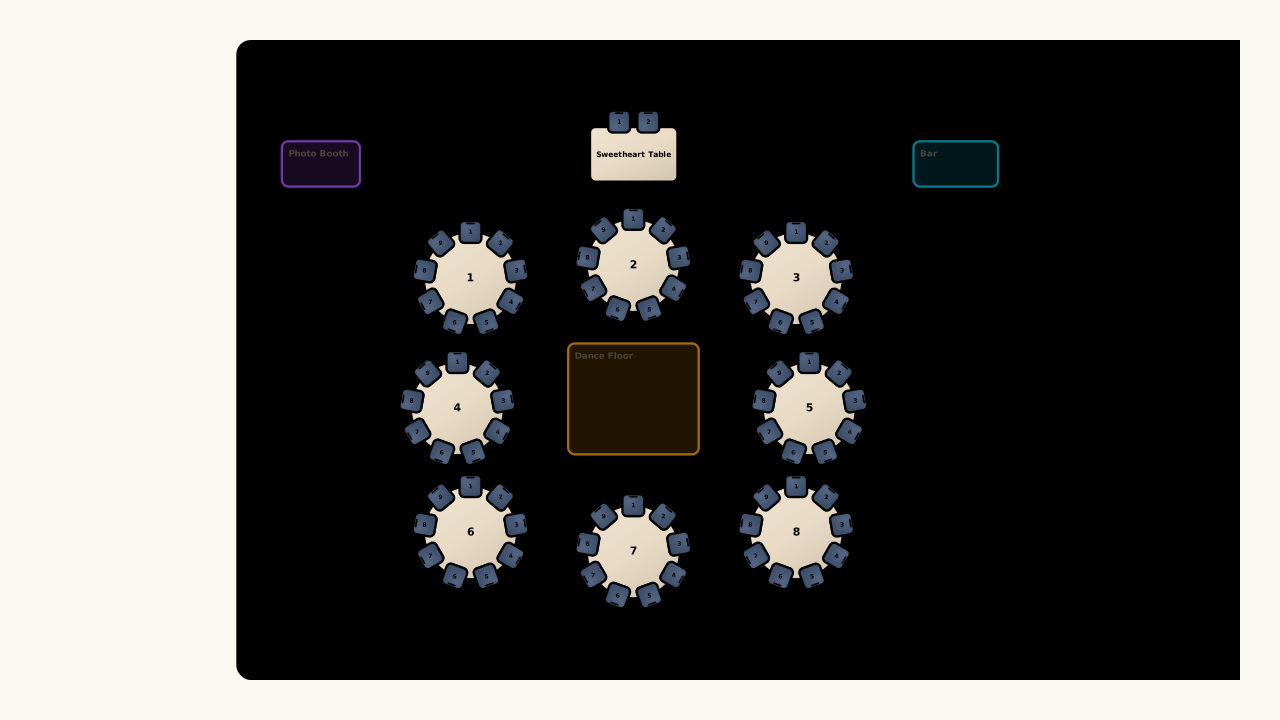
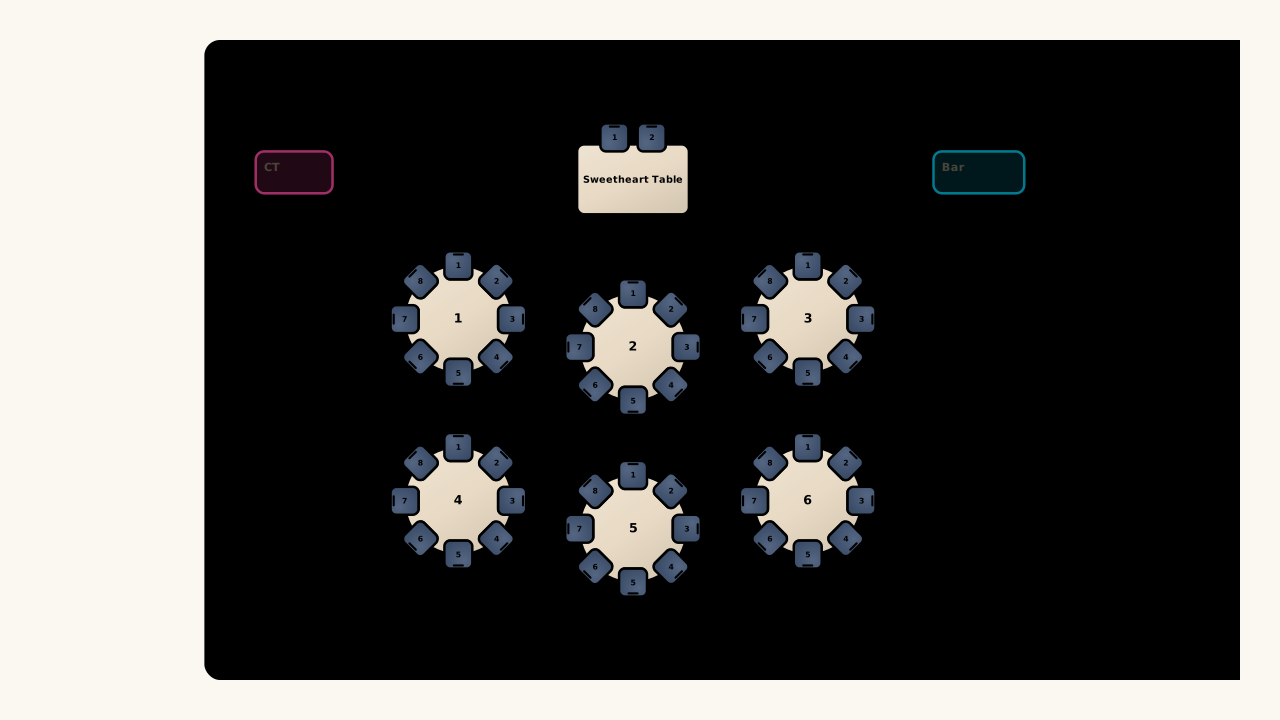
Illustrative intimate reception arrangement with round tables and a sweetheart table

Start with the room you have

Move, rotate, and resize tables on the canvas instead of squeezing your event into a fixed picture. Your table seating chart stays editable as the guest count changes, so the plan can follow the room.

Open seating chart maker
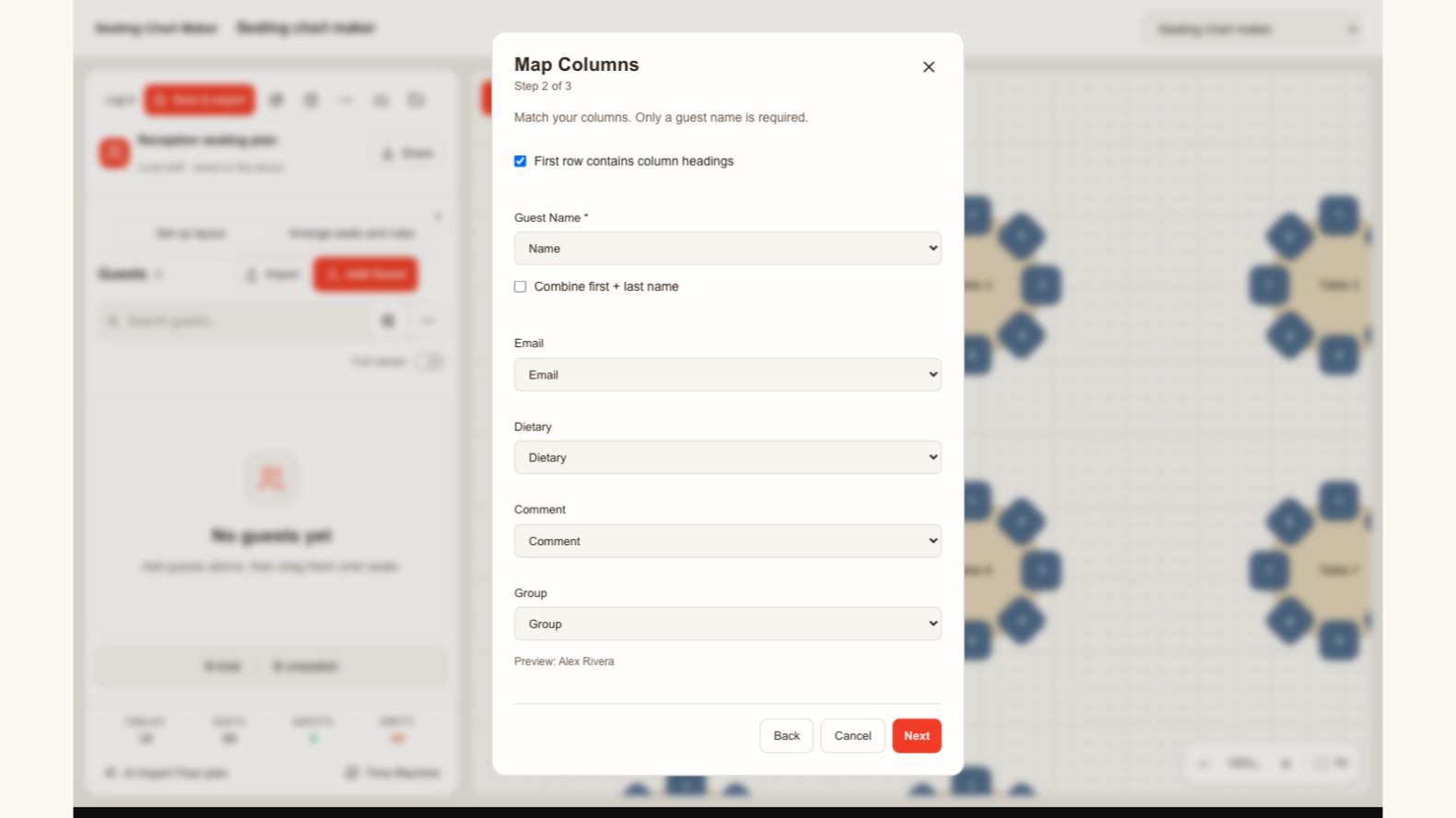
Actual guest import dialog mapping name, email, dietary information, notes and groups

Match your list to the right fields

Bring your guest list into the seating chart maker from a spreadsheet. Review the name, group, dietary, and note columns before importing, so each person keeps the details you need when assigning seats and checking the final plan.

Open seating chart maker
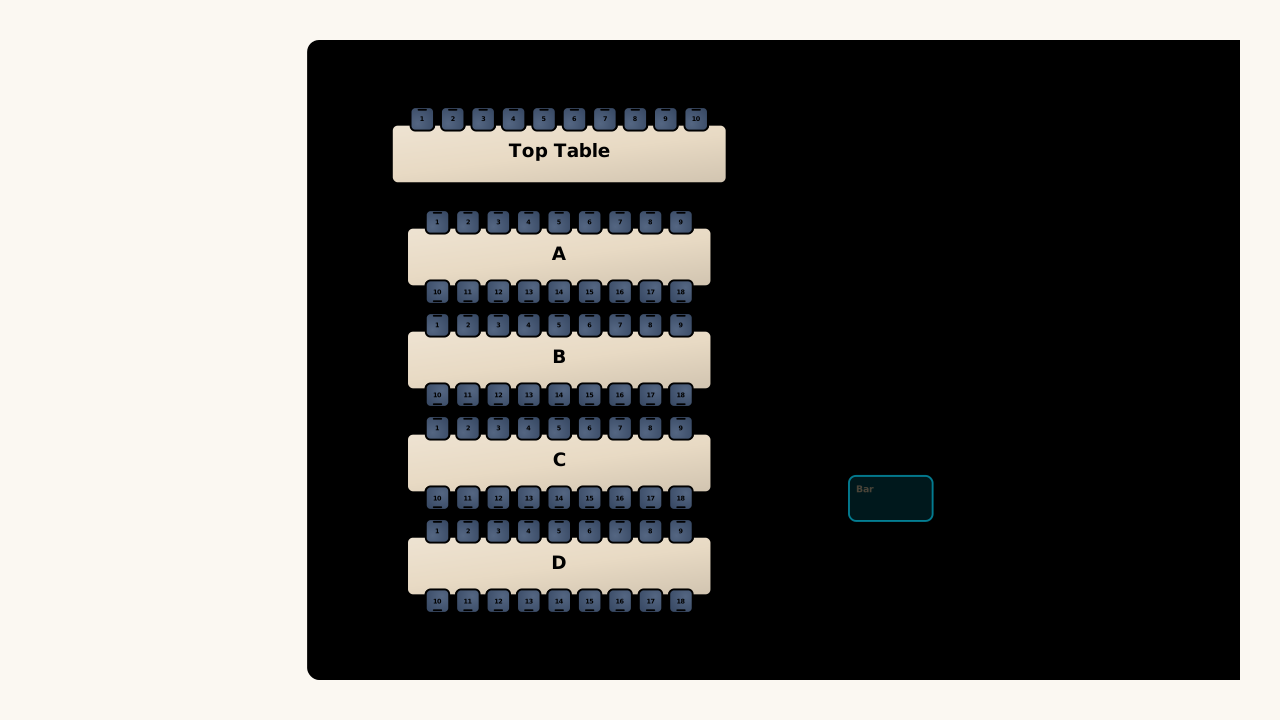
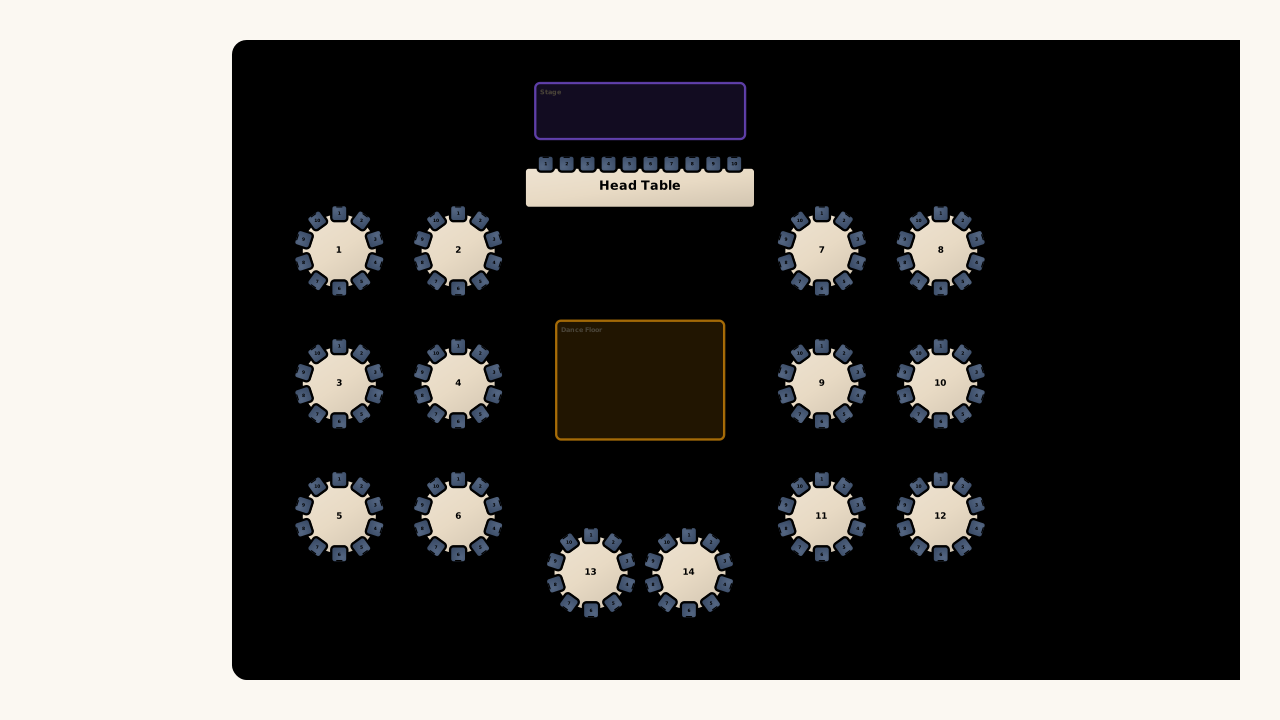
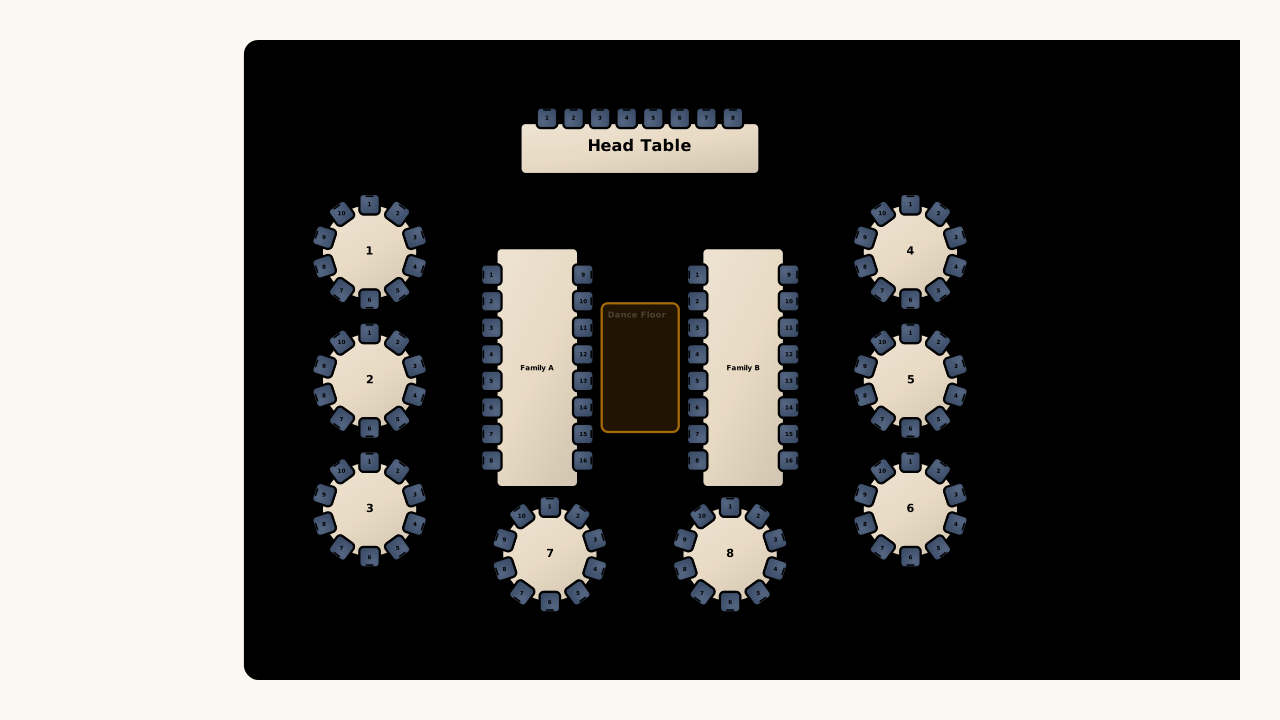
Illustrative mixed reception seating layout with round and rectangular family tables

Arrange around the relationships that matter

Use the seating chart generator to keep selected people at the same table or on different tables. Preserve existing assignments when needed, and review the result before making individual changes on the canvas.

Open seating chart maker

A clearer plan for the next decision

A seating planner helps you see which seats are taken, who still needs a place, and where a small change affects the wider event.

See the missing assignments

Keep names and seats in the same workspace, making it easier to spot guests who still need a place before exporting.

Keep useful decisions

Preserve assigned seats during automatic arrangement, so a new pass can focus on the people you have not placed yet.

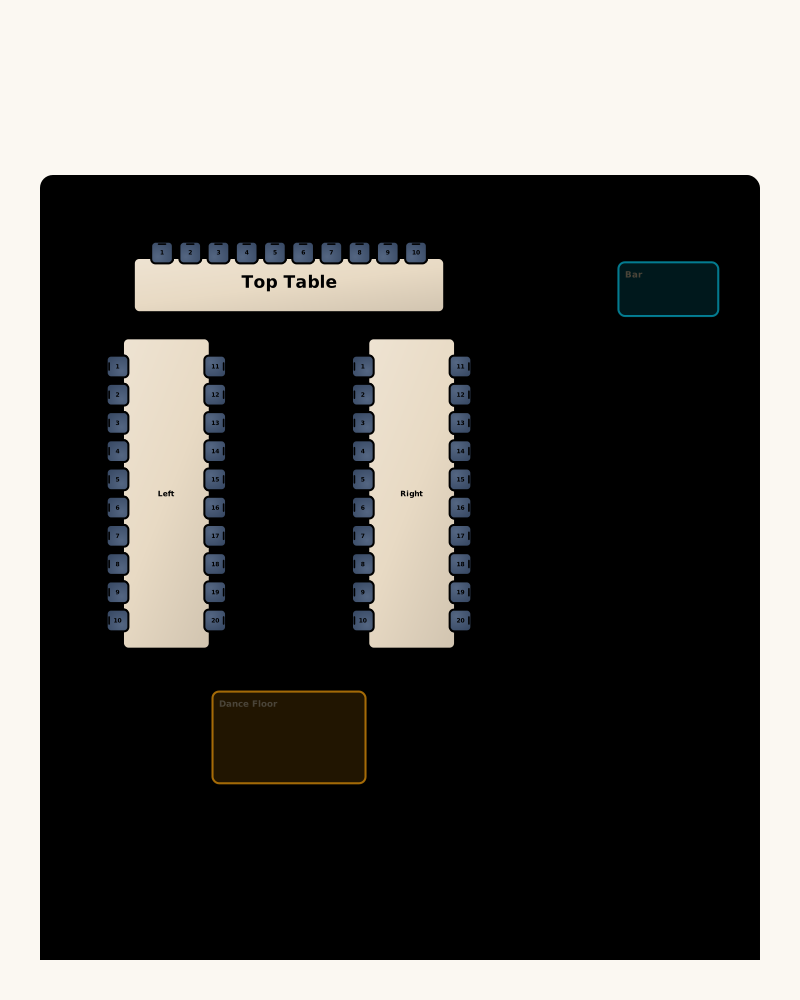
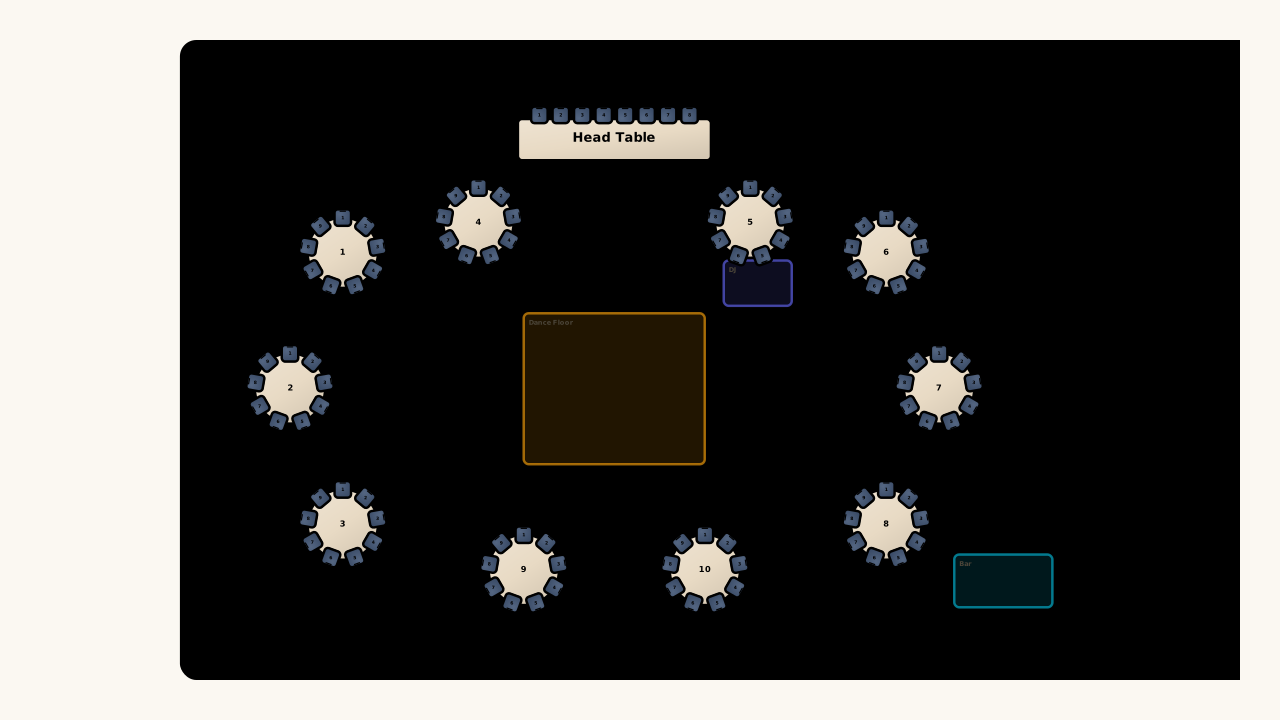
Illustrative U-shaped reception layout with a top table, bar and dance floor

Recover from a change

Use undo and redo while editing. A downloaded backup gives you another way to return to a saved version later.

Prepare a practical handoff

Choose a diagram for room setup or a guest list for table checks, rather than asking everyone to interpret the same file.

Seating Chart Maker questions

Seating Chart Maker logo

Build your next seating chart

Bring your guest list to the seating chart maker, design your layout, and choose a plan when you are ready to keep it.

Open seating chart maker