Seating Chart Template

Start with an editable seating chart template instead of drawing every table or desk. Choose a layout, set your people count, and turn the starting arrangement into your own plan.

Seating Chart Template: From a headcount to a usable layout

See how the Seating Chart Template turns the displayed setup into its matching layout. Compare the requested people count and furniture with the available seats before adding names or making changes.

Your starting setup

People
24
Furniture
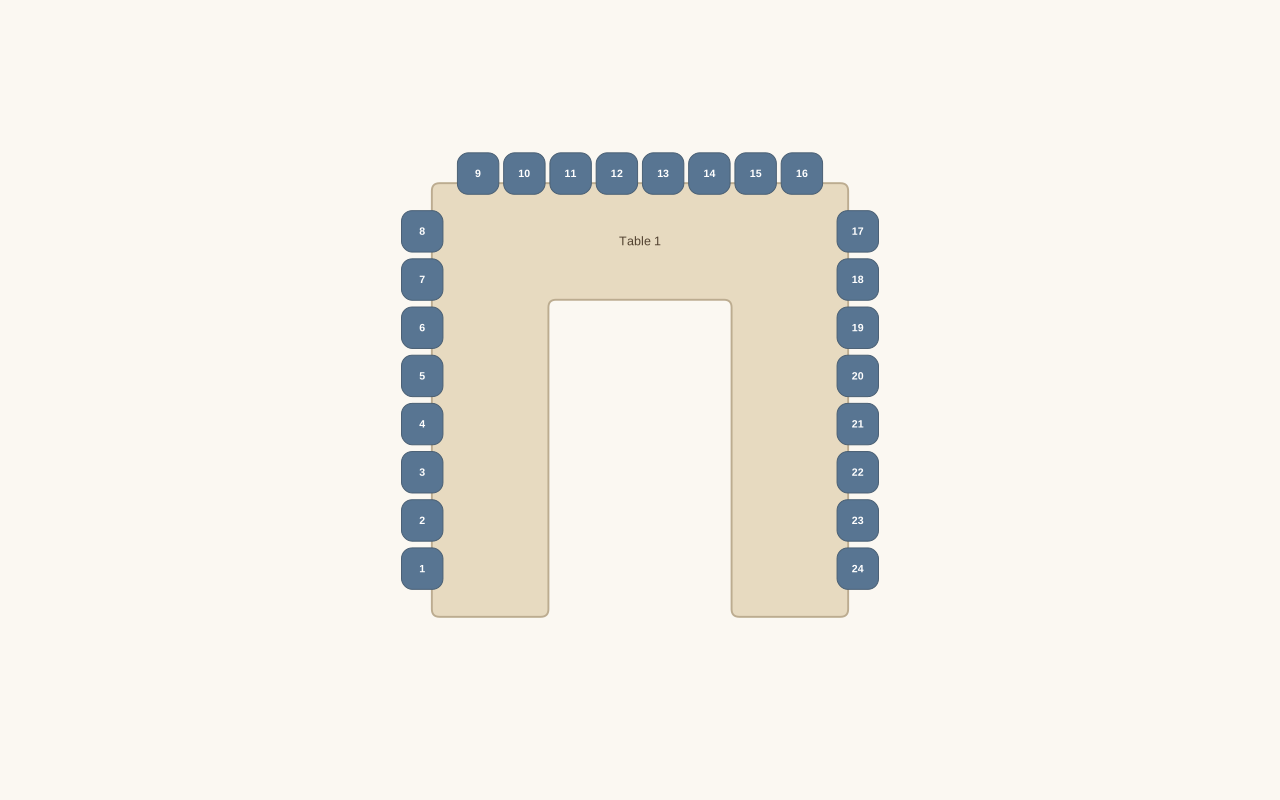
U-shaped table

Compare the layout

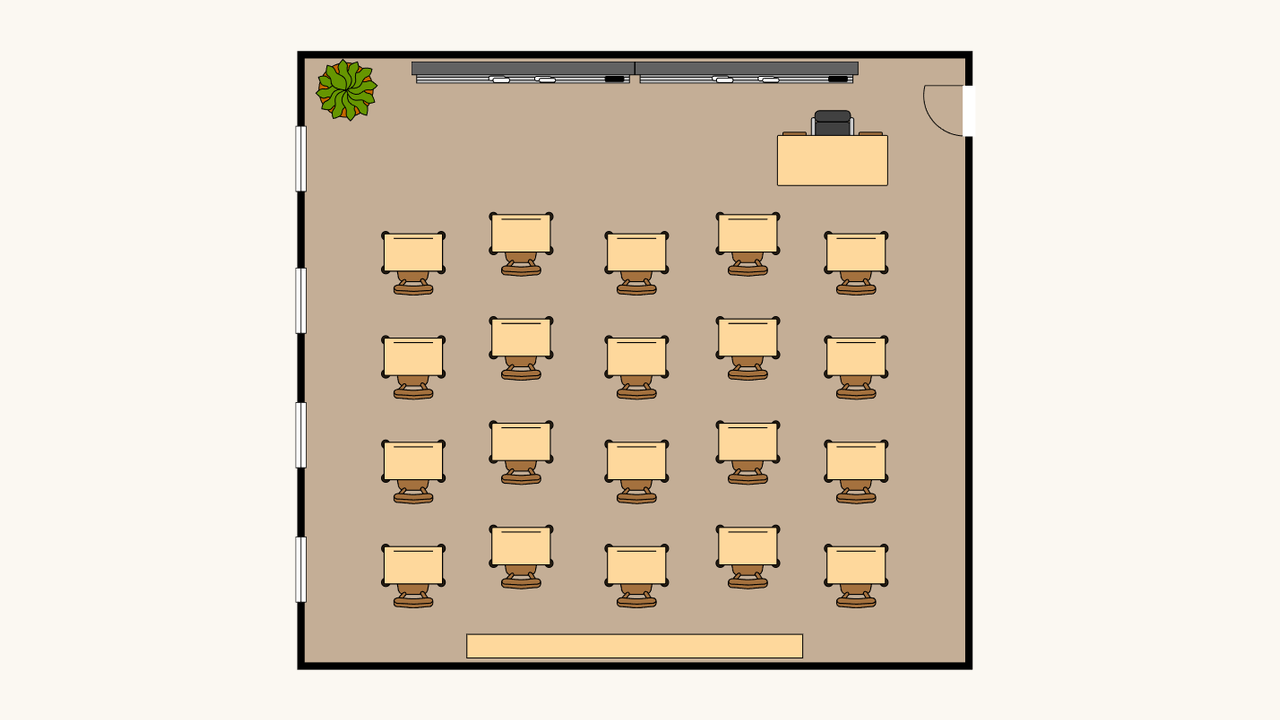
Example layout generated from the displayed settings. Guest names are added separately after you review the available seats.
The resulting layout: 1 table or desk · 24 available seatsExample layout generated from the displayed settings. Guest names are added separately after you review the available seats.

Make the starting layout your own

Open seating chart template

Choose the layout family

Open the template setup and choose round, long, U-shaped, or classroom furniture. Enter your people count and adjust the settings for that arrangement.

Add the real details

Apply the template, edit the furniture on the canvas, and import names. Adjust table labels and seat assignments until the plan matches your event.

Keep and export it

Review the names and layout, then download an editable backup. Export your chart or guest list when you are ready to use the plan.

Work with the seating chart template

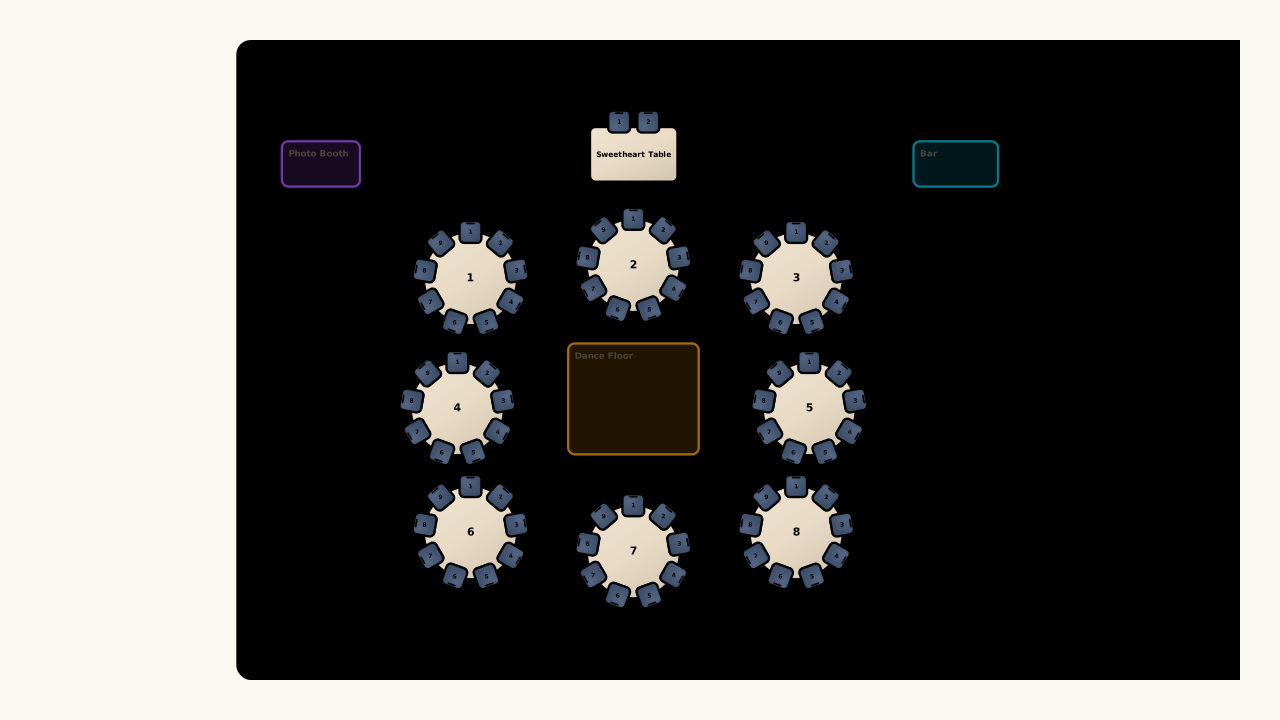
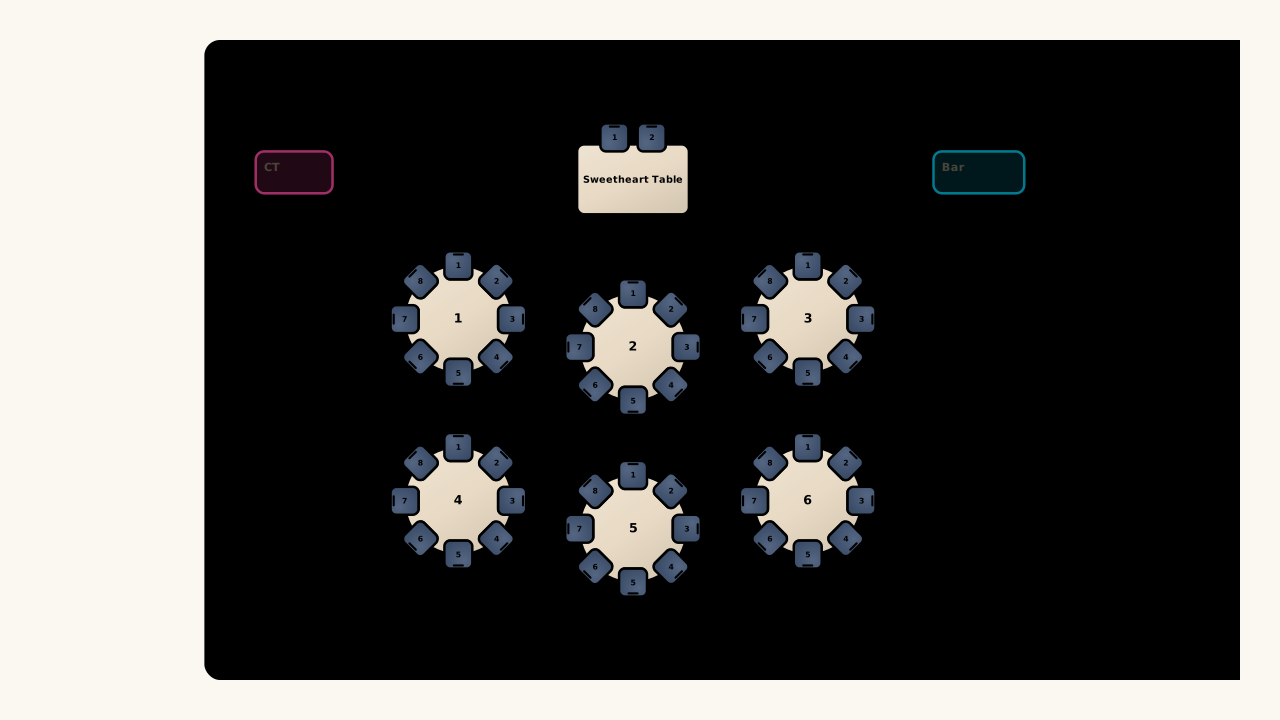
Illustrative intimate reception template with round tables and a sweetheart table

Choose from seven layout families

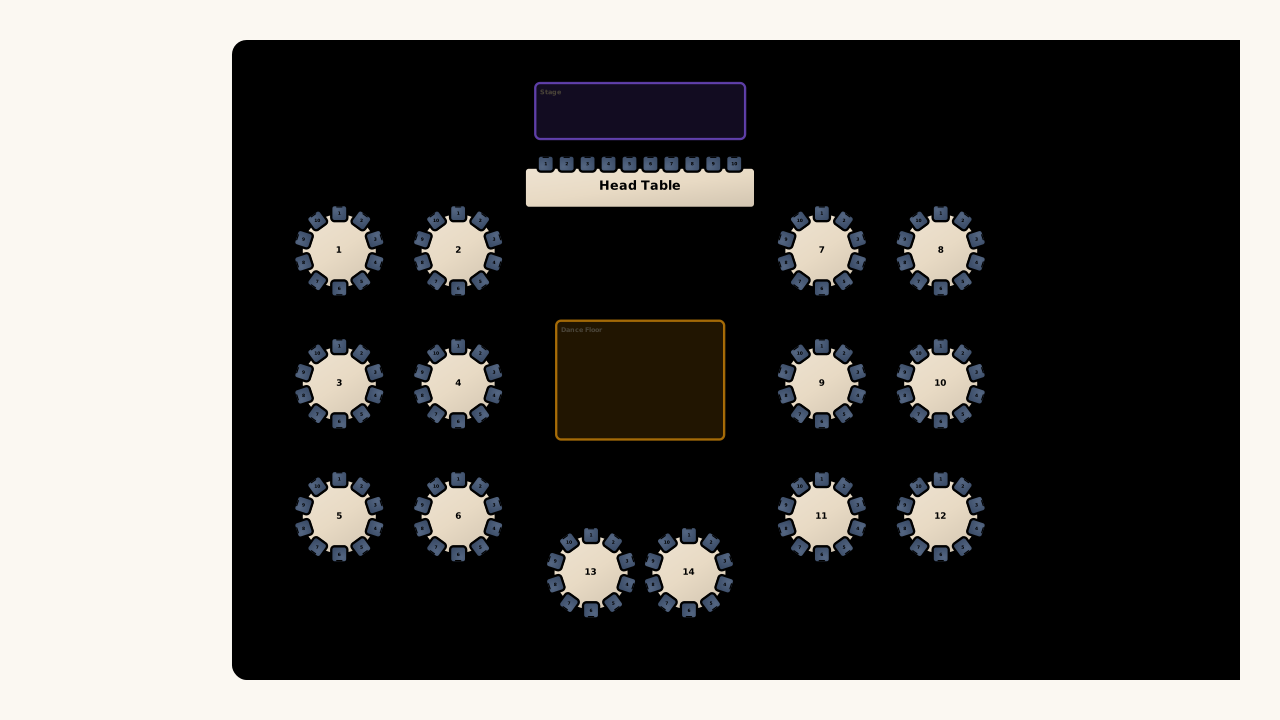
The seating chart template tool includes round, long, and U-shaped tables plus rows, pods, U-shaped desks, and horseshoe desks. Use the family closest to your task, then configure the starting arrangement rather than copying a fixed image.

Open seating chart template
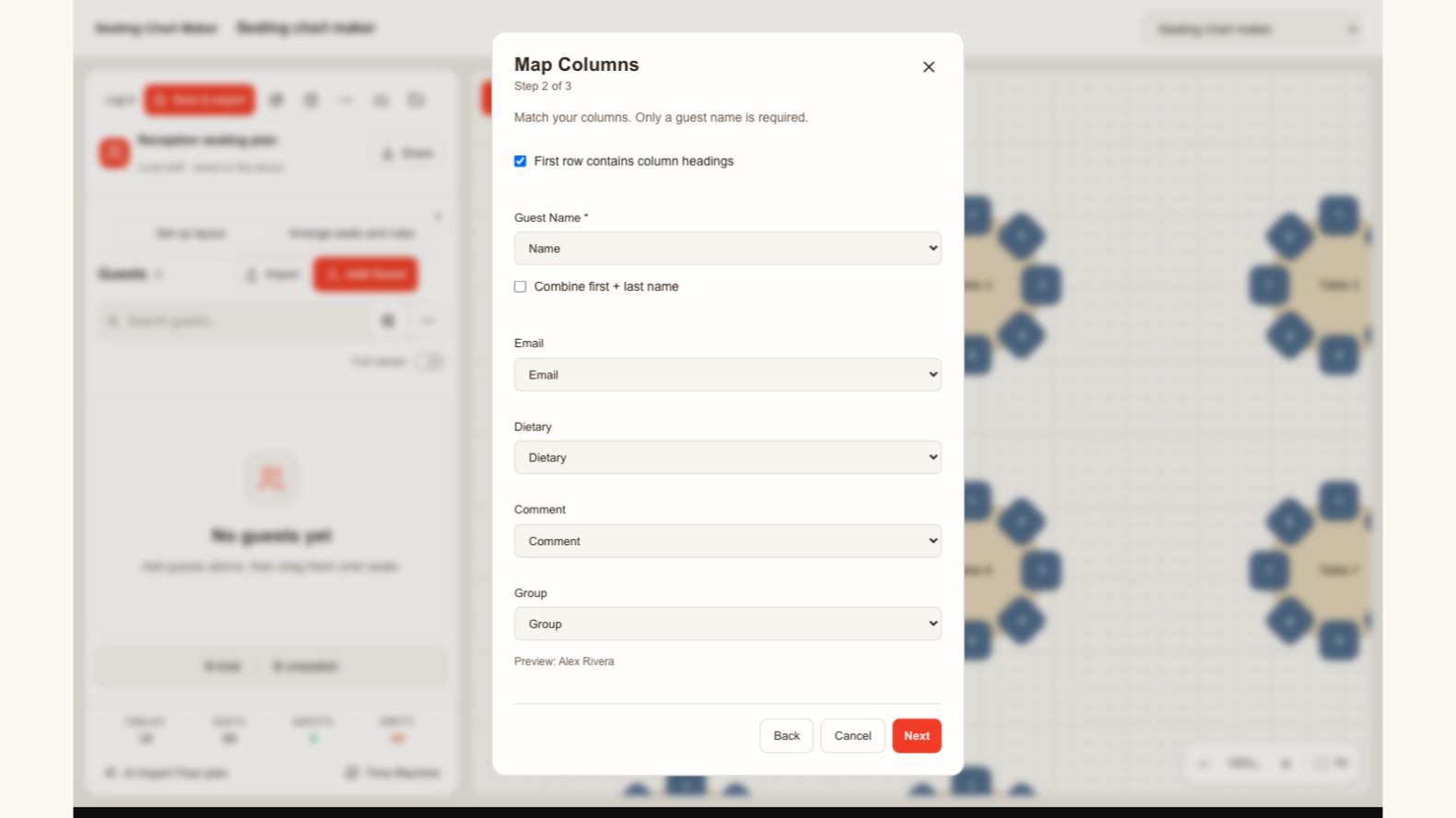
Actual guest import dialog mapping name, email, dietary information, notes and groups

Match your list to the right fields

Bring your guest list into the seating chart template from a spreadsheet. Review the name, group, dietary, and note columns before importing, so each person keeps the details you need when assigning seats and checking the final plan.

Open seating chart template
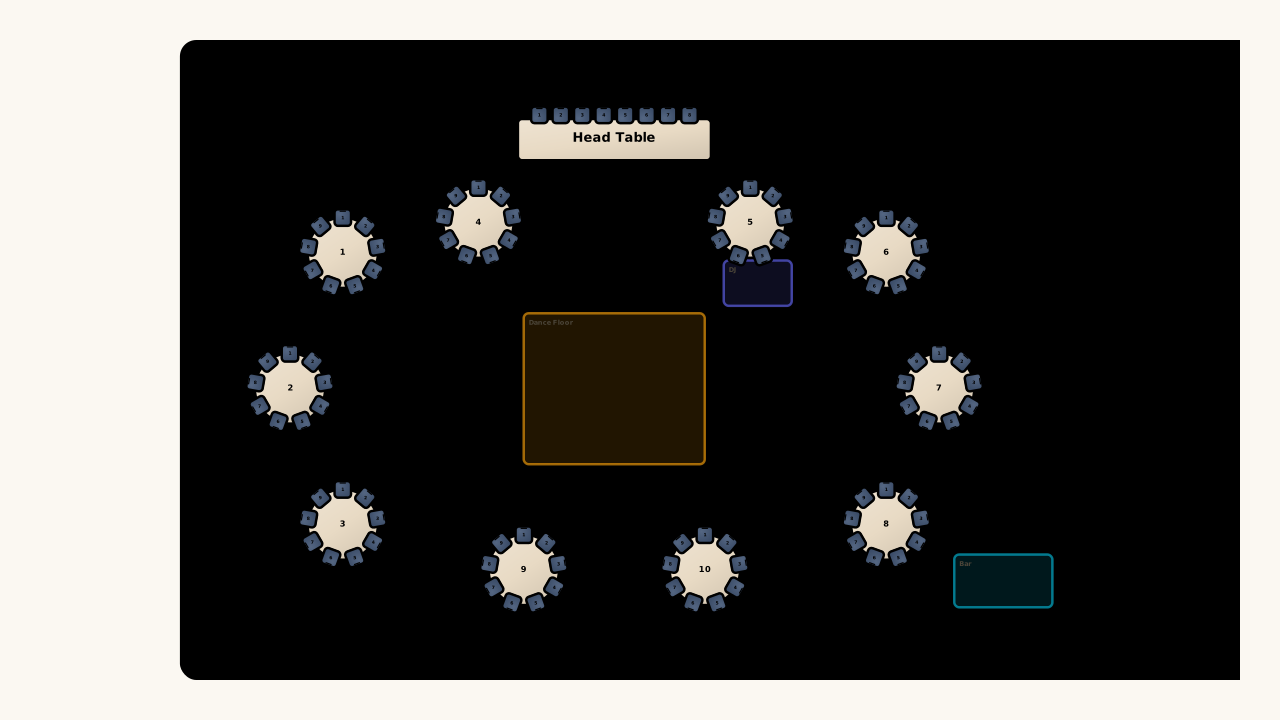
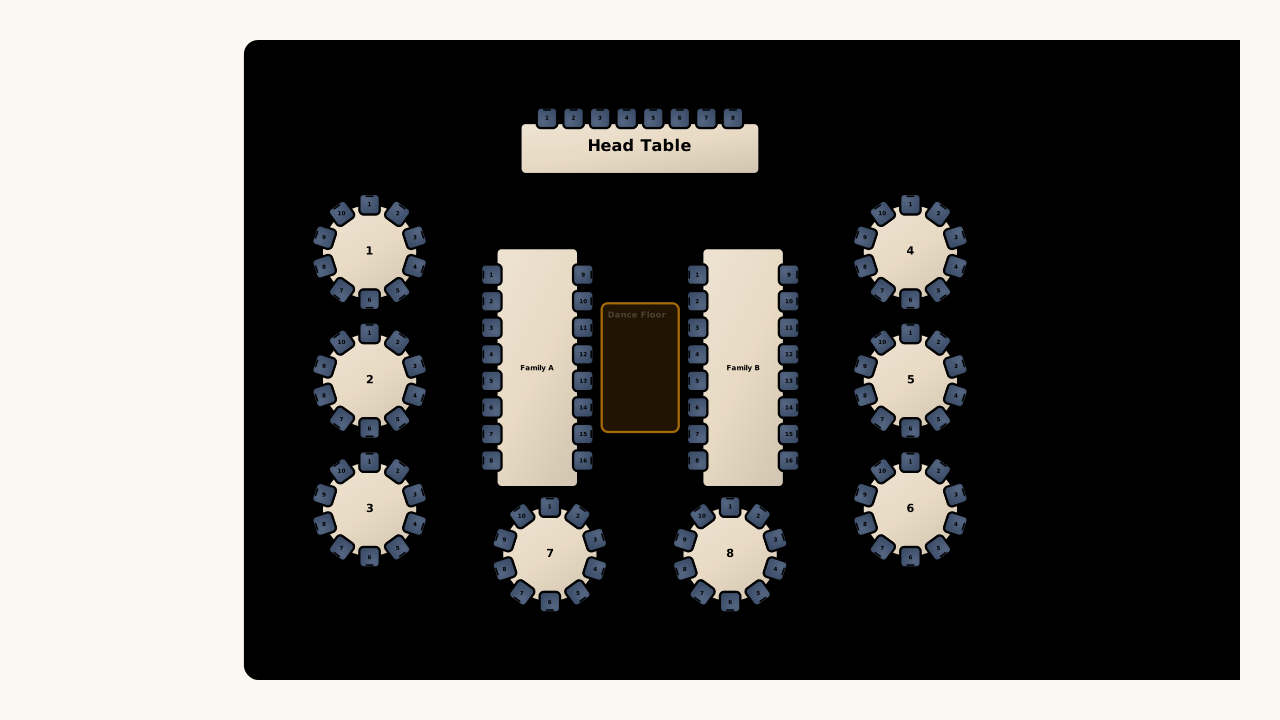
Illustrative seating template combining round tables with two long family tables

Replace the layout without losing people

A seating chart template can combine different table shapes as plans develop. Keep guest records connected while you replace or revise furniture, then review the changed seat assignments. Save a paid plan before closing, and retain an exported backup when you need another copy.

Open seating chart template

A starting point with room to change

Choose a reusable layout to get the furniture in place, then spend your planning time on the people, labels, and adjustments that make it yours.

Avoid drawing every element

Generate the main tables or desks together, leaving individual furniture edits for the details that actually differ in your room.

Test another layout family

Compare a new arrangement while retaining the person records, then decide which table or desk pattern better supports your plan.

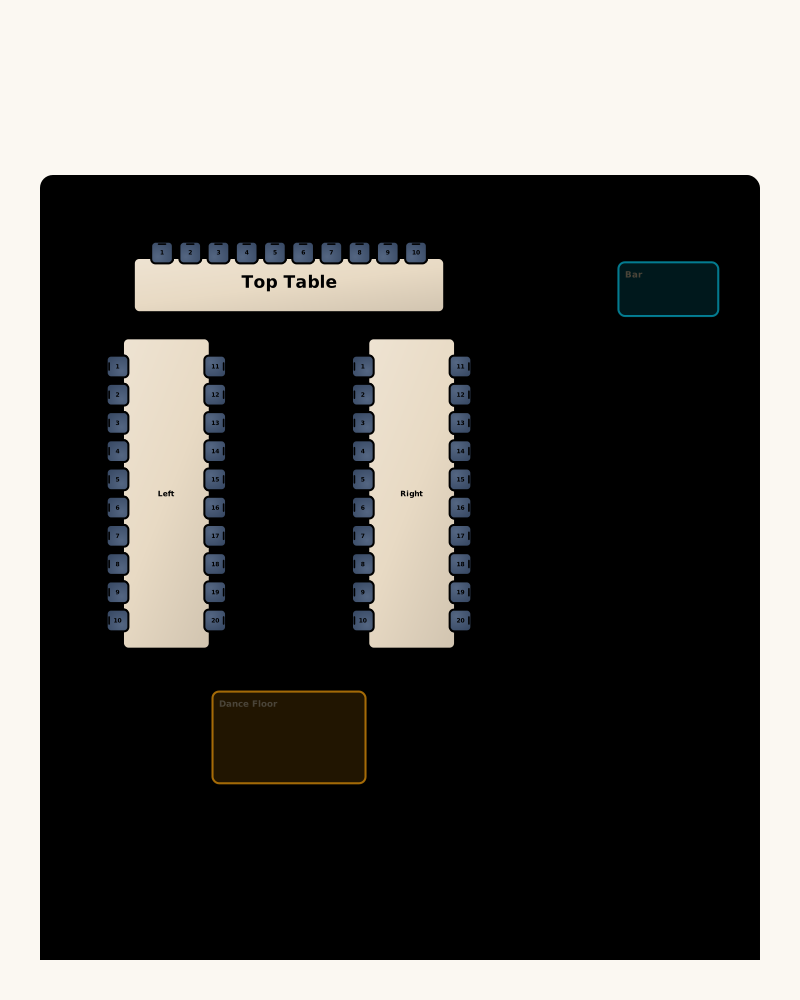
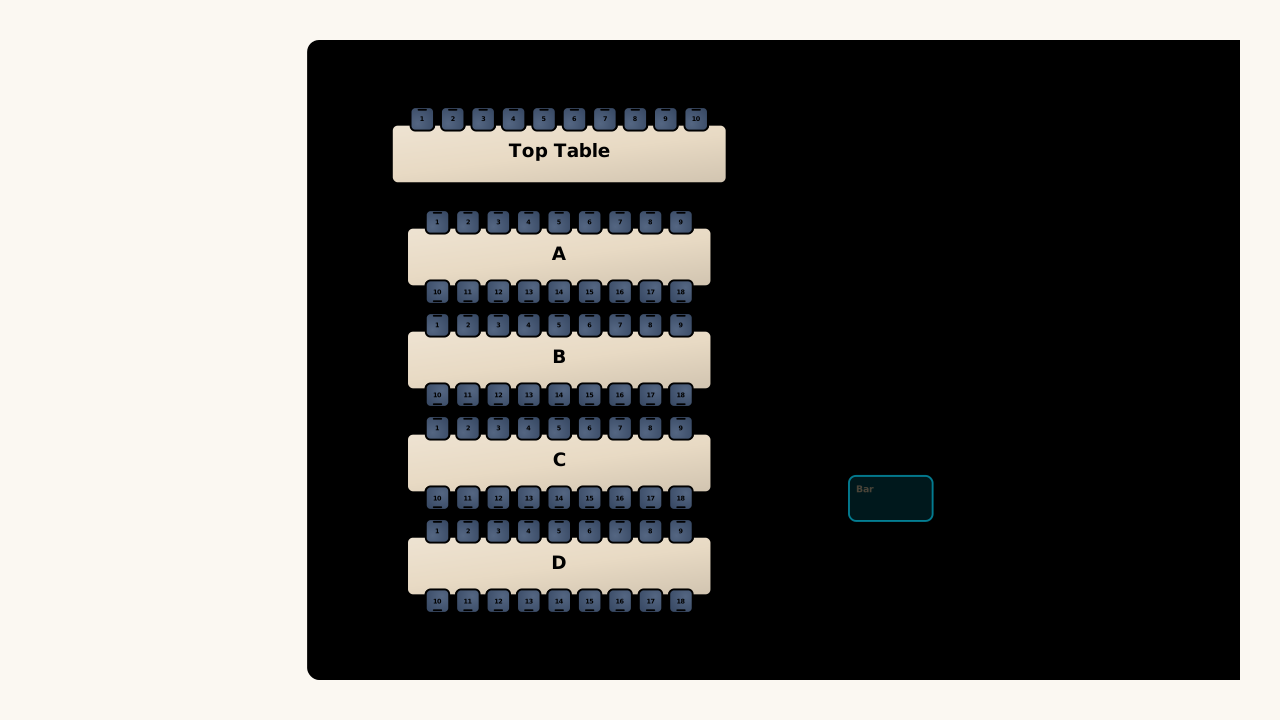
Illustrative U-shaped reception layout with a top table, bar and dance floor

Keep the names connected

Assign people directly to the template furniture, so the guest list and room chart describe the same current plan.

Reuse an editable version

Save a plan backup after configuring the layout, giving you a file you can reopen and adjust for the next occasion.

Seating Chart Template questions

Seating Chart Maker logo

Choose your seating chart template

Pick the furniture arrangement, enter your people count, and open a real editable plan you can make your own.

Open seating chart template